
1 First sign-in and the sample objekt
How you get into the app for the first time and what you see first.
The app runs in the browser, on the phone and on a computer. You install nothing.
Signing in
- The administrator of your workspace invites you. You get an e-mail „Revispark — pozvánka do pracovního prostoru“ (an invitation to the workspace).
- Click the link and choose a new password (8 to 128 characters). The link works once and only until the date in the e-mail.
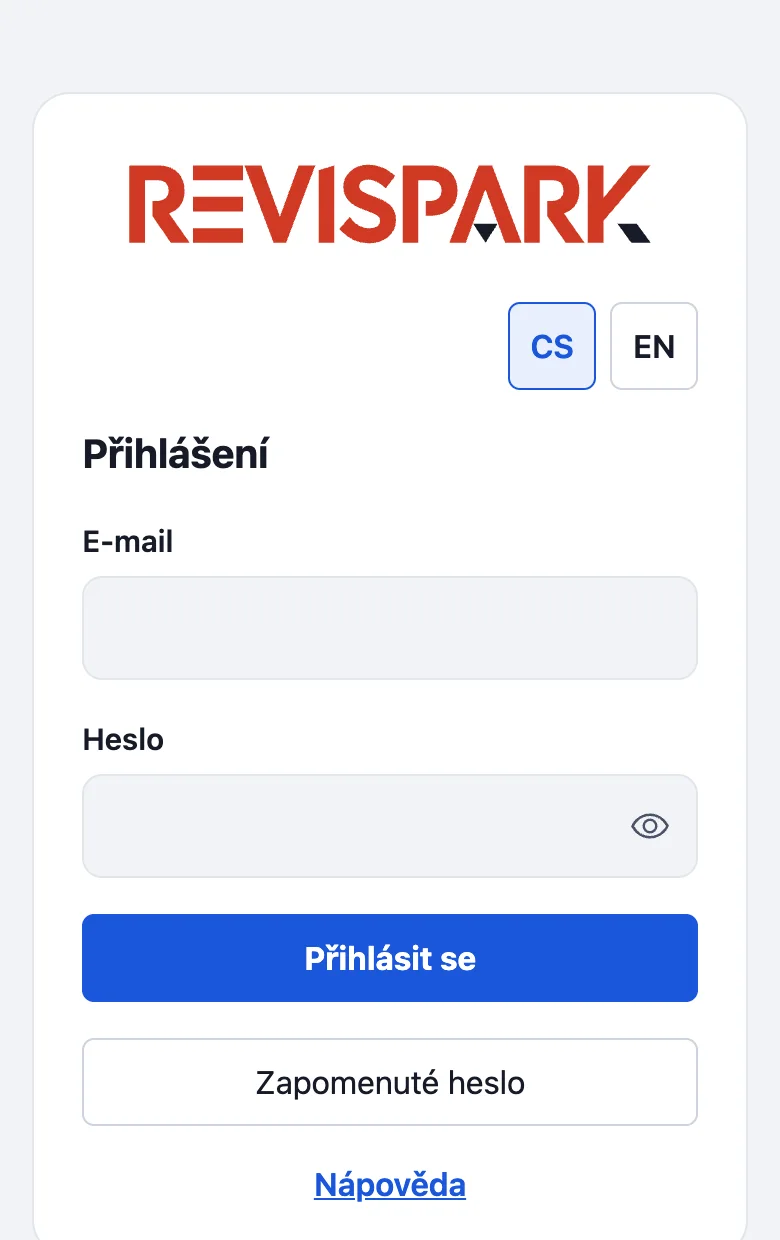
- On the sign-in page enter your e-mail and password and tap Přihlásit se (Sign in). If you forget the password, use Zapomenuté heslo (Forgotten password).
What you see first
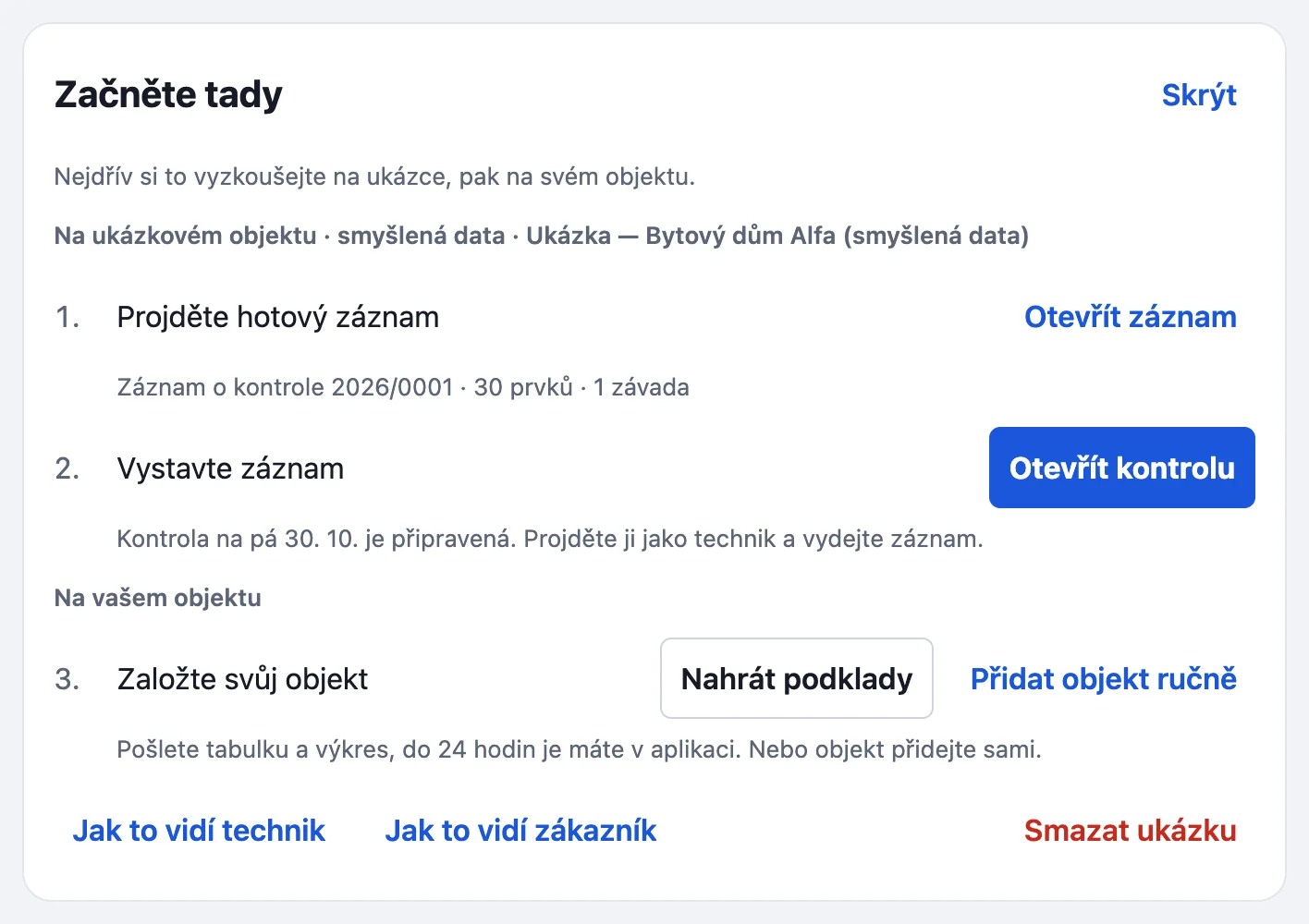
A technician starts on Dnes (Today). A manager starts on Přehled (Overview) with the card Začněte tady (Start here). On the sample objekt it offers two steps: Projděte hotový záznam (a finished record) and Vystavte záznam (go through the kontrola as the technician and issue its record). The third step is Založte svůj objekt (set up your own objekt): Nahrát podklady (send the spreadsheet and drawing) or Přidat objekt ručně (add it yourself). At the bottom are Jak to vidí technik, Jak to vidí zákazník (what the technician / the customer sees) and Smazat ukázku (delete the sample). The label next to the logo says whether you are in a trial (Zkouška do …) or in a sample workspace (Ukázka).
To create your own Ukázka workspace, choose Vyzkoušet zdarma (Try for free): your company ID (IČO), e-mail and name, then the link in the e-mail sets your password. An invitation from an administrator is for someone joining an existing workspace.
Something missing or different from your screen? Write to us at info@revispark.com.