
4 Working without a signal
What works in a basement or a plant room, and how you know everything has been sent.
In a basement or a plant room there is often no signal. So open the kontrola while you still have one and keep working. Do not reload the browser page without a connection; it would not load.
What works offline
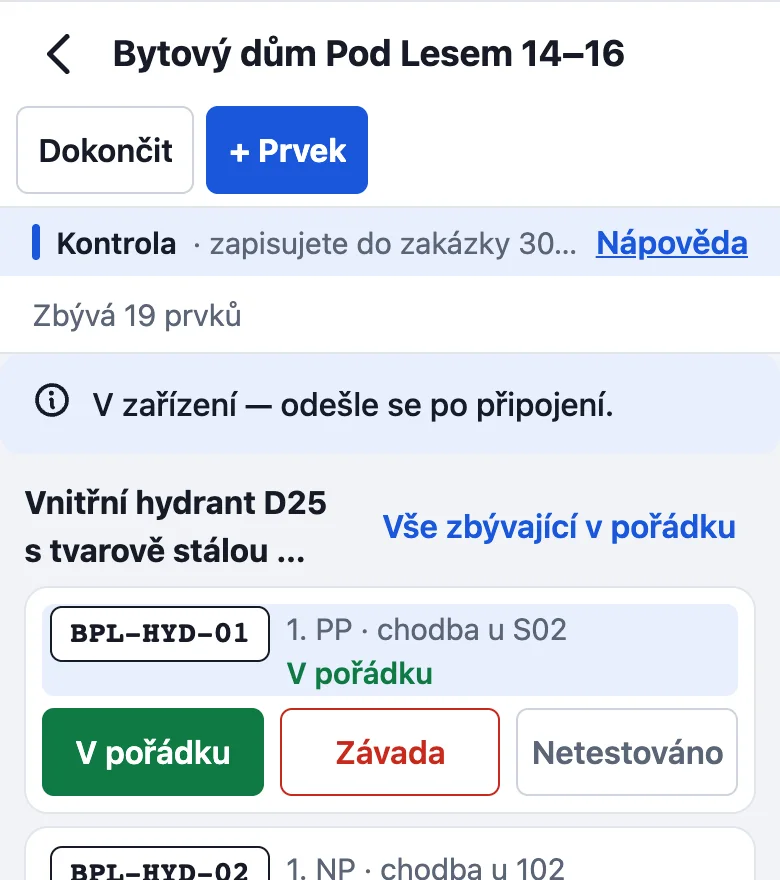
- Results (V pořádku, Závada, Netestováno: OK, defect, not tested), notes and defect descriptions are saved on the phone.
- The photo of a defect stays on the phone („Fotka zůstane v telefonu, odešle se po připojení“: it is sent when you are connected).
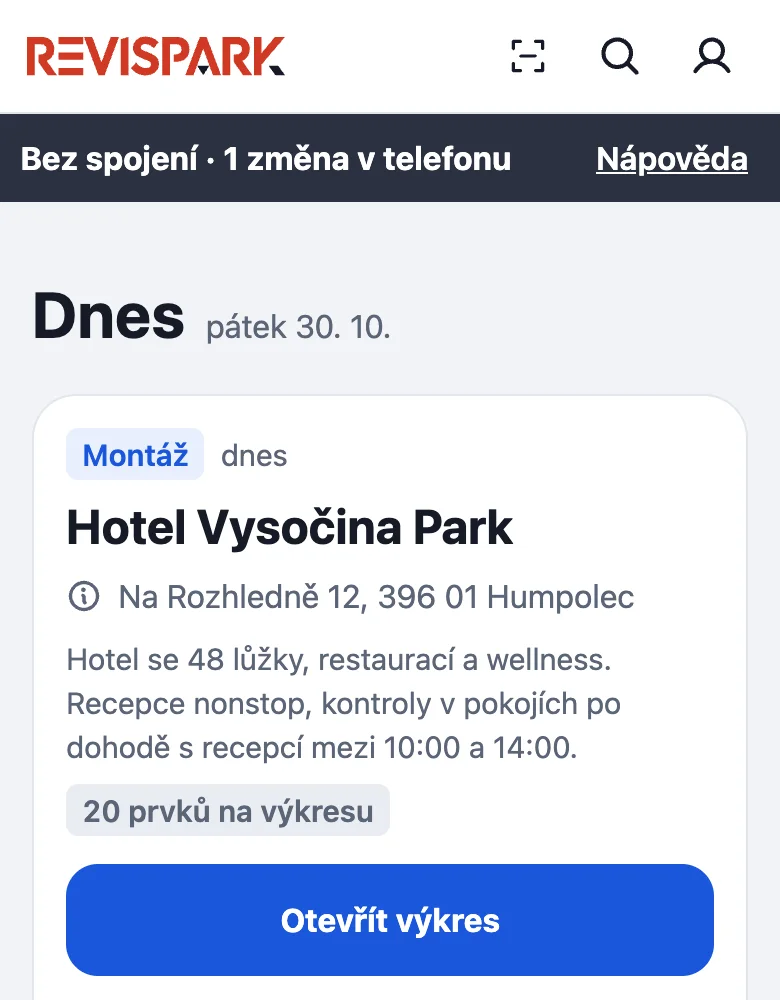
- At the top you see Bez spojení · 1 změna v telefonu (offline, 1 change on the phone). Above the kontrola's Seznam (the list) it says V zařízení — odešle se po připojení. (on the device, sent once connected), and the prvek already shows its result.
When the signal returns
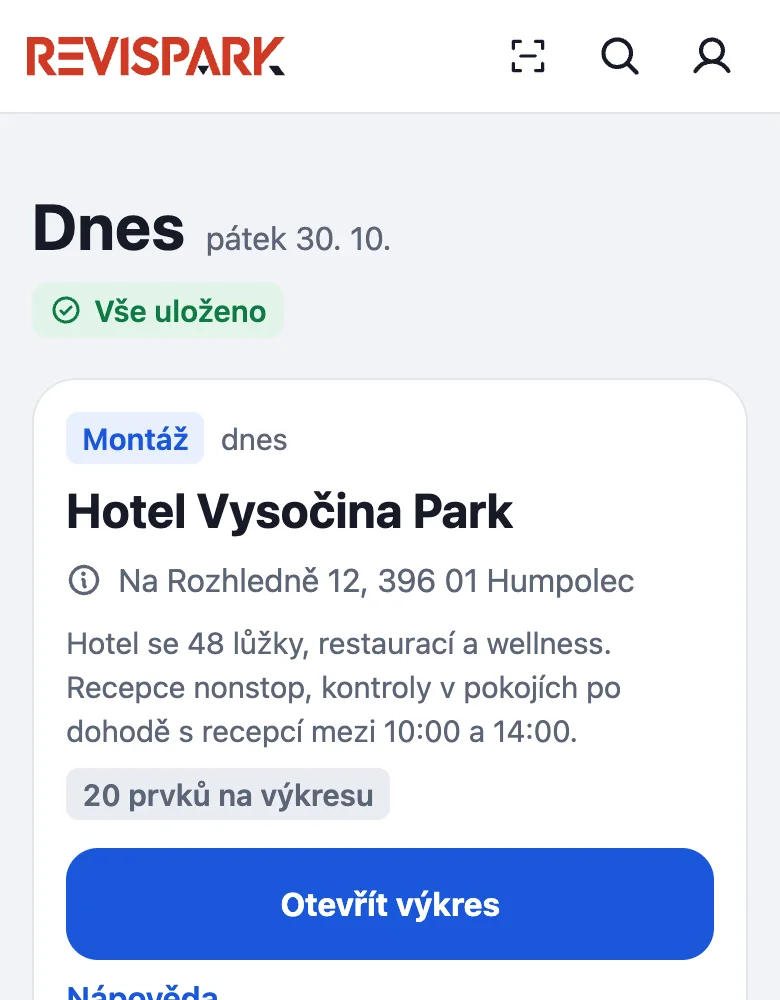
The changes are sent by themselves, one after another. When the server has confirmed everything, Dnes shows Vše uloženo (all saved). How many changes are waiting you also see in Více → Neodeslané změny (More → Unsent changes). Until then do not close the app. A result written from the card on the drawing shows „Odesílání — čeká na server“ (sending, waiting for the server) until it is sent.
What does not work offline
Completing the kontrola, signatures and sending the record need a connection. If the server rejects a change, the row shows odmítnuto (rejected) with the reason; you discard it and enter it again.
Something missing or different from your screen? Write to us at info@revispark.com.