
3 The first kontrola on the phone
From Dnes through the drawing and the result to a defect with a photo.
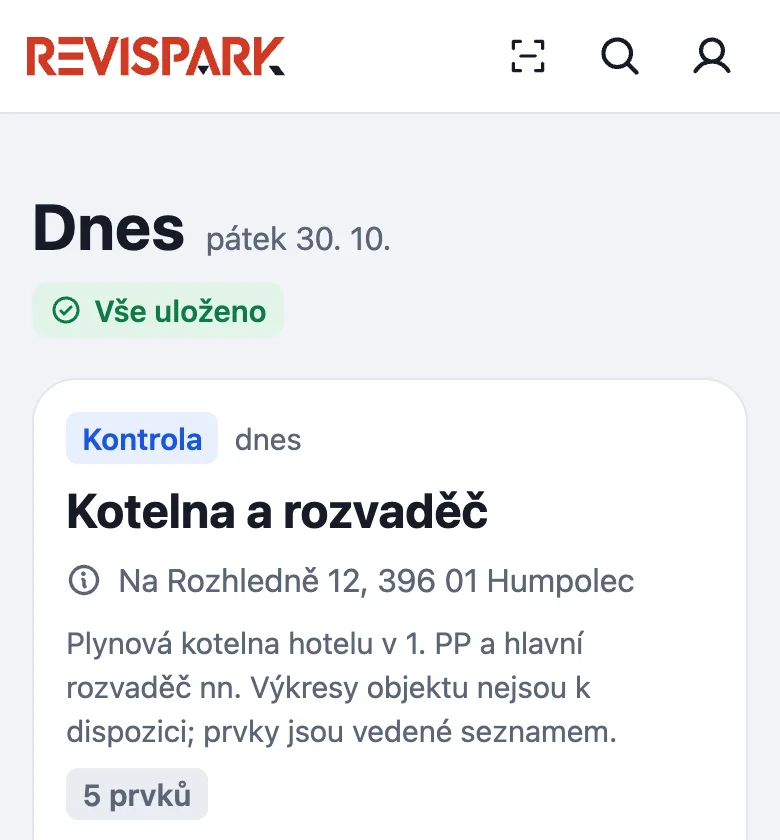
- On Dnes tap today's kontrola; unfinished work is under Nedokončené.
- The floor drawing opens. Switch floors at the top; red dots are defects and white dots have no result. Find a prvek by number in Hledat č.
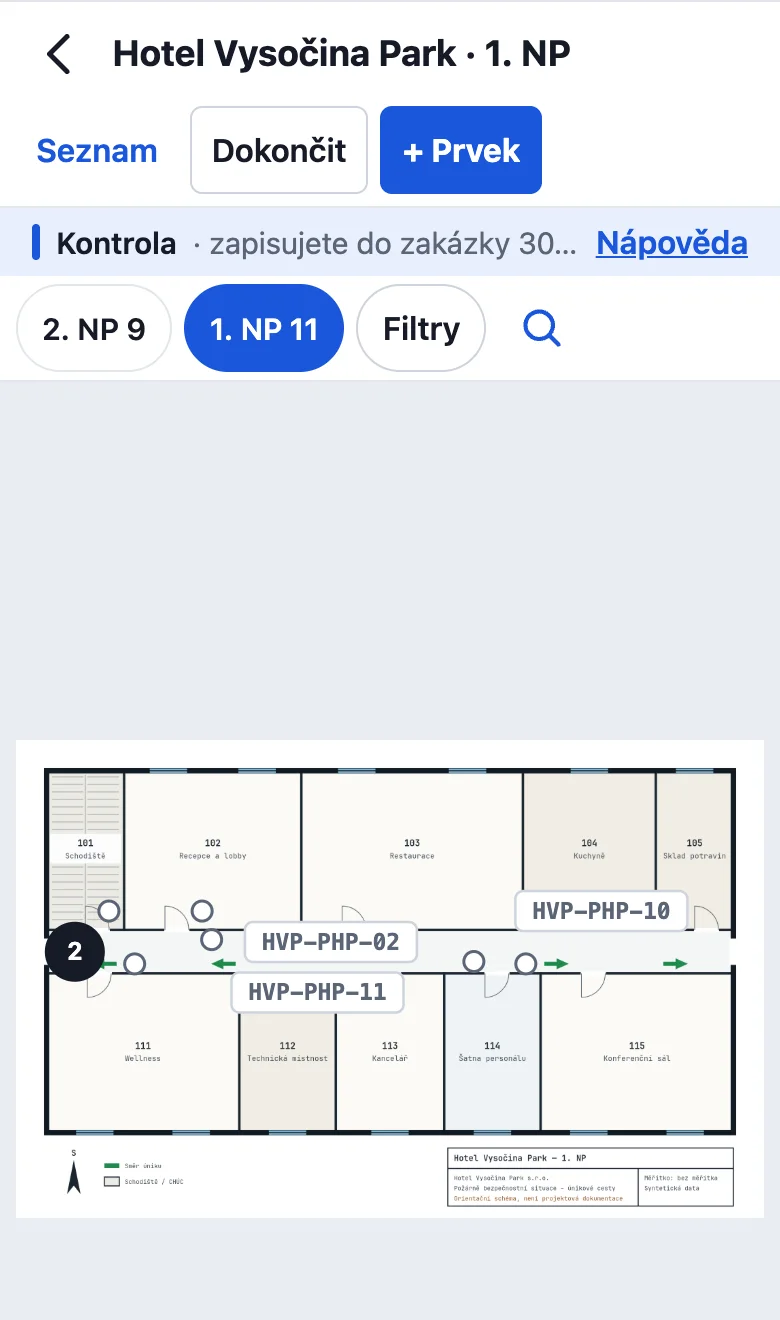
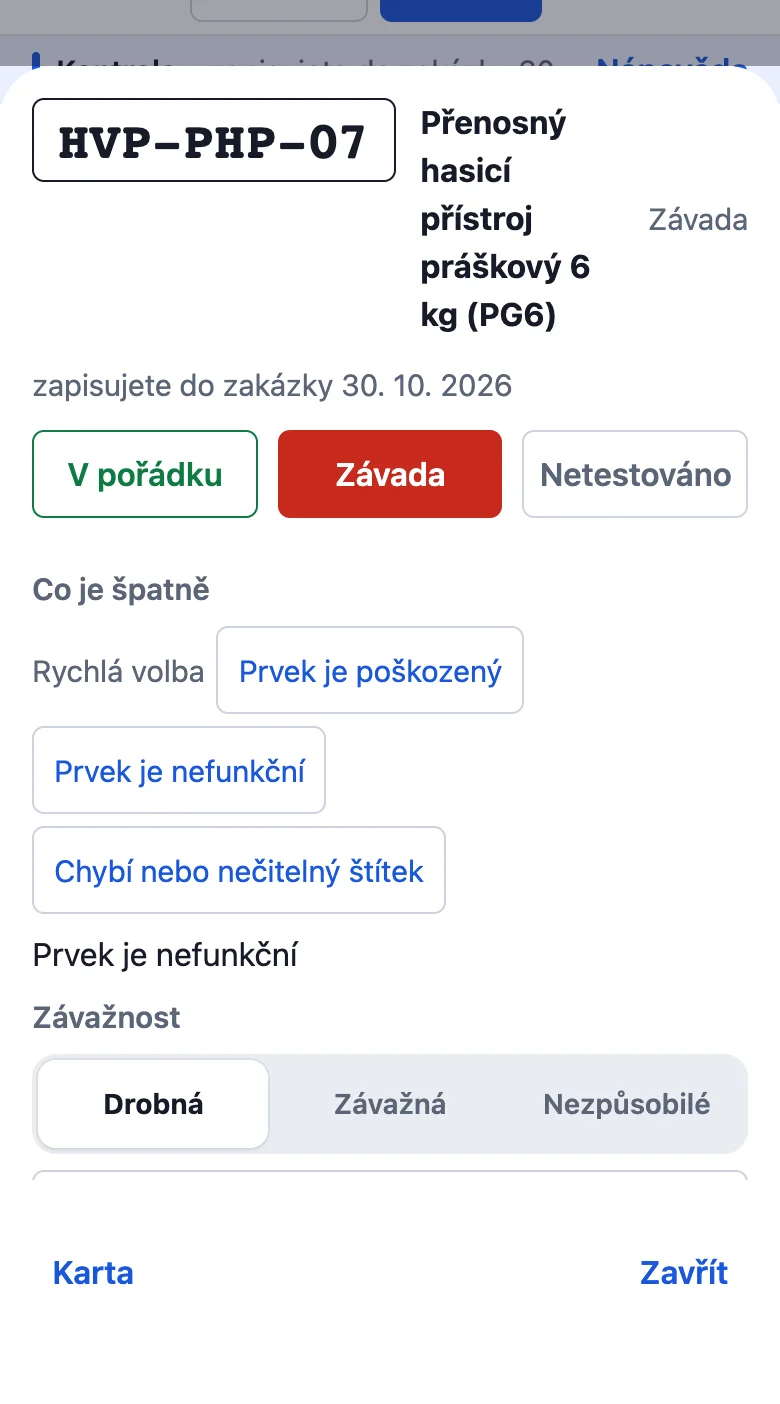
- Tap a dot to open its card. Choose V pořádku or Závada to record the result.
- For a defect, choose a quick description or write one, set Závažnost, add a Fotka and tap Hotovo.
The Závady, Bez fotky and Nehotové filters show what is left. Seznam (List) shows every prvek and the completion count. You can record results there; Zpět (Back) returns to the previous screen. Vše zbývající v pořádku (All remaining OK) marks only untested prvky OK and skips open defects. Incomplete work stays under Nedokončené (Unfinished).
Completing the kontrola
The Dokončit (Finish) button at the top of the kontrola opens Dokončení kontroly (finishing); check Datum kontroly (inspection date). Příští kontrola defaults to 12 months later. Nastavit příští termín testovaným prvkům is off by default; turn it on to apply that date to tested prvky. Dates use the Czech format.
The technician must sign. For Zákazník podepsal?, the customer signs on the display or you tap Není přítomen. Completion needs a connection. After saving, Dnes shows Kontrola dokončena · čeká na vydání dokladu. The manager reviews the record and issues the document.
Something missing or different from your screen? Write to us at info@revispark.com.